

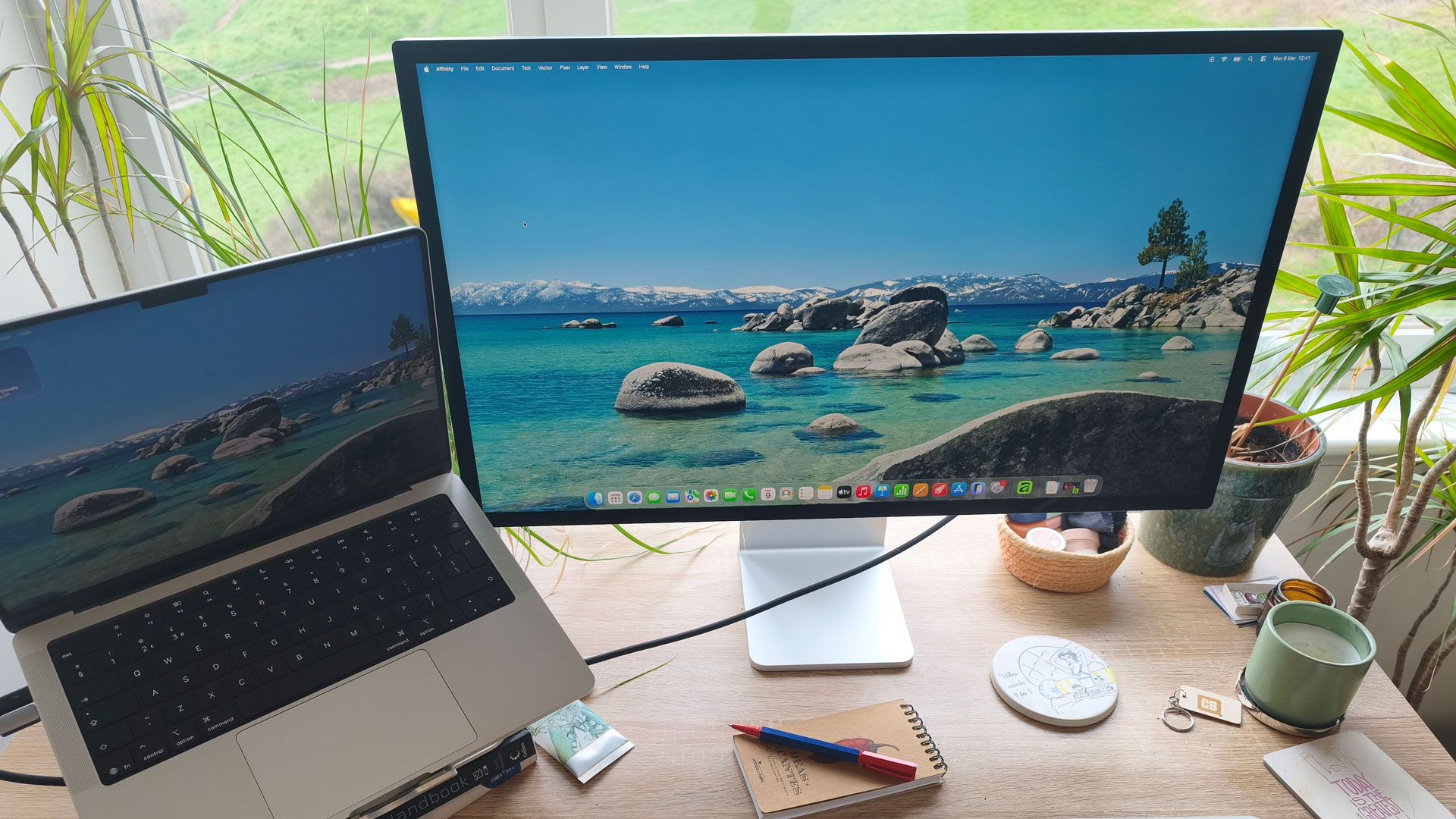

Apple Studio Display Review: A Comprehensive Look at the Latest Addition to the Mac Family
The much-anticipated Apple Studio Display has finally made its way into the hands of early adopters, including this writer, who has also recently experienced the new MacBook Air M5 and MacBook Pro M5 Max. However, it was the Studio Display that still awaited unboxing, and I was intrigued to uncover what it had to offer.
Upon lifting it from its packaging—an intriguing design that folds out neatly—I quickly realized the display’s substantial weight made it somewhat cumbersome. This was just the beginning of my journey with this new monitor.
Complicated Setup Process
Setting up the Studio Display proved to be less straightforward than expected. Unlike many monitors, it lacks a dedicated power button, as it is designed to power on immediately once plugged in. However, the on-screen instructions caused some confusion. It instructed me to connect the included Thunderbolt cable, but I misinterpreted the directions, initially plugging into the wrong port.
Once I navigated through these initial hiccups, I was impressed by the display’s significant dimensions; at 27 inches, it dwarfs my previous laptop monitor, a dated Dell model. The Studio Display’s high-end features make it worthy of recognition in guides for the best monitors for both MacBook Pro users and graphic artists.
Impressive Visual Capabilities
The display boasts an impressive resolution of 14.7 million pixels, 600 nits of brightness, and the ability to render one billion colors, alongside P3 wide color support. In practical terms, the visual quality is superb; whether viewing photos, videos, or gaming, everything appears strikingly vivid. After a full day of use, I found myself reluctant to revert to my older monitor.
Advanced Features and Connectivity
Equipped with a 12MP Centre Stage camera, the Studio Display allows for dynamic framing and includes a Desk View feature, enabling users to showcase both their face and a top-down view of their workspace. During my tests, the webcam captured clear video quality, revealing even the tiniest details.
The sound produced by the Studio Display is equally remarkable, featuring a six-speaker system with Spatial Audio that surpasses my older MacBook Air (2020 model). The audio experience includes 30% deeper bass compared to its predecessor, creating an immersive listening environment.
This model also introduces Thunderbolt 5 connectivity with two ports, allowing users to hook up high-speed accessories or even daisy-chain multiple displays—up to four, for those who have the space and budget. The Thunderbolt cable can also efficiently charge a MacBook, delivering up to 96W, enabling quick charges within a short timeframe.
Versatility in Design
The display is available with either standard or nano-texture glass, catering to different working environments. I opted for the latter to mitigate reflections in challenging lighting conditions. The stand is tilt-adjustable, offering flexibility in positioning, and there’s an option for an additional adapter if portrait orientation is preferred.
Final Thoughts
Overall, after overcoming initial setup challenges, using the Studio Display has been a delightful experience. With its vibrant colors, high-quality camera, and exceptional sound system, it’s a welcomed addition to my work setup.
While I have previously used an iteration of the Studio Display, I did not notice substantial differences in performance between the two models. I look forward to testing Apple’s new Studio Display XDR to explore its advancements further.
The Studio Display is available for pre-order now, and for those seeking to upgrade their visual experience, it presents a strong case.
Source: Original Source
